

Build a Warehouse Digital Twin Without Writing Code

Today we are building a no-code digital twin for warehouse layout experiments that anyone on the team can operate. Using accessible tables, visual canvases, and rule blocks, you will model aisles, racks, zones, and flows, then try alternative slotting and pick paths safely. We will connect historical orders, estimate travel, and compare scenarios in minutes, not months. Expect actionable checklists, cautionary notes, and collaboration ideas. Ask questions, suggest variations, and help shape the next iteration with real constraints from your operation.

Data foundations without scripting

Create tables for locations, SKUs, orders, and equipment with unique keys and readable names. Establish relationships for slotting, min–max levels, and replenishment links without writing code. Use views and filters to show only active areas, and include validation rules that prevent duplicates or typos. Share a template so new facilities inherit standards without wrestling with hidden formulas or fragile macros.

Visual layers and zones

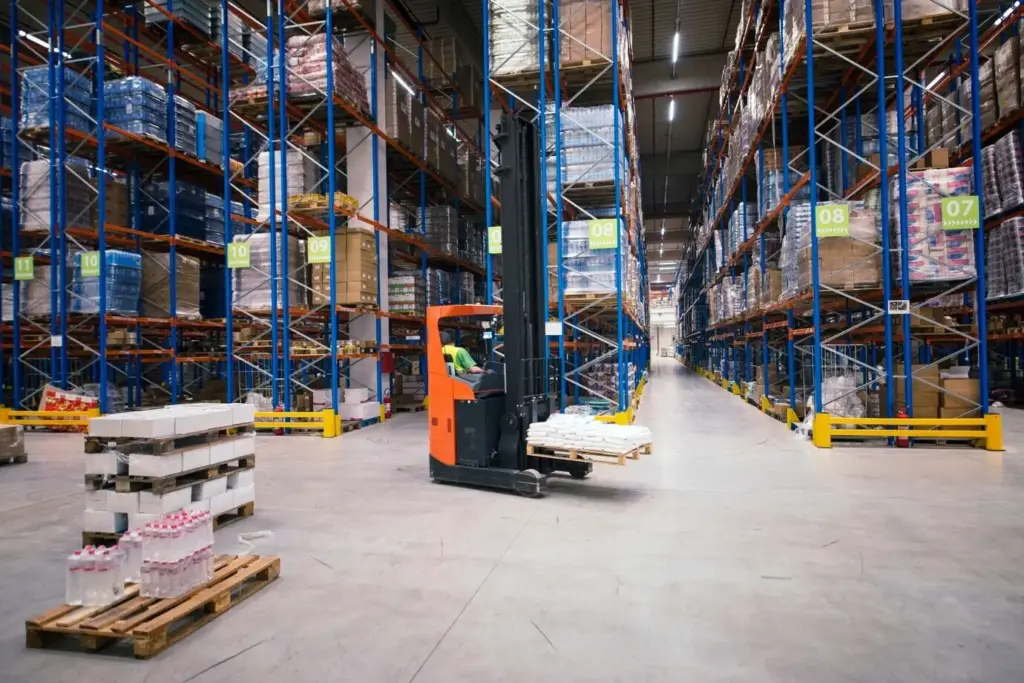
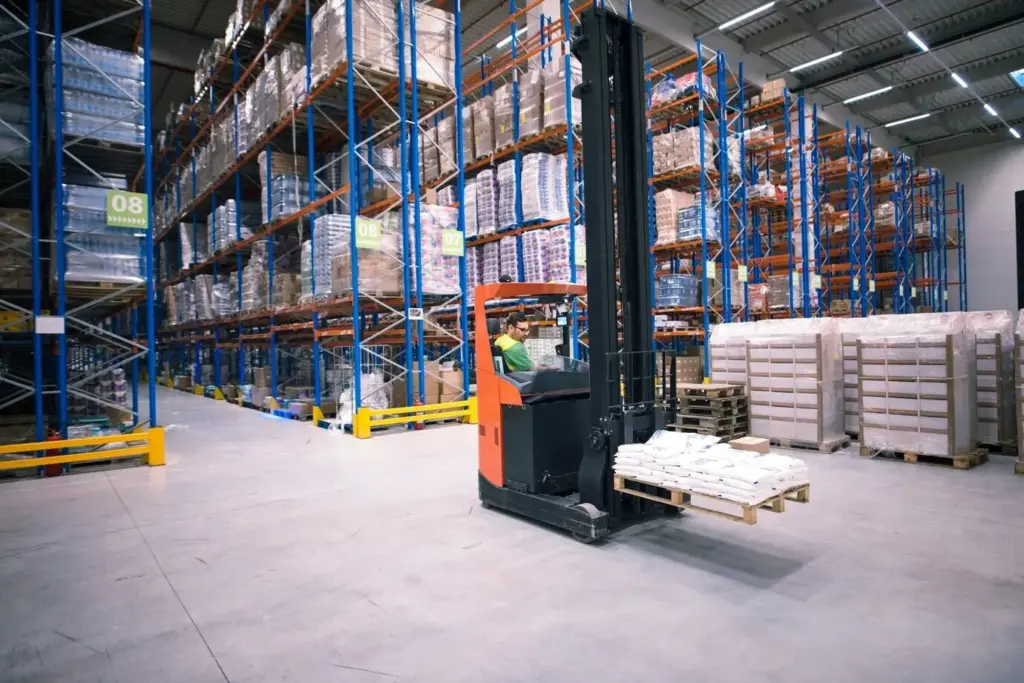
Separate receiving, putaway, forward pick, bulk reserve, and packing into layers you can toggle. Add one-way aisles, safety boundaries, fire lanes, and battery swap stations as distinct overlays. Save preset views for audits or training, and color by velocity class to reveal misplaced items instantly. When stakeholders review, they can compare layouts side by side without hunting through complicated menus or technical settings.

Version control for layouts

Treat each proposed layout as a named version with a purpose, author, and date. Duplicate to branch, annotate with assumptions, and lock approvals to prevent accidental edits. Store snapshots of key metrics alongside the map, so anyone reopening an old design understands why it performed a certain way. Clean, human-readable history builds confidence and accelerates decision meetings.

Simulate Movement with Drag-and-Drop Logic

Order wave generation

Generate synthetic order waves from historical distributions, preserving line counts, cube, and item mix while allowing controlled randomness for exploration. Schedule waves across the day, add cutoffs, and shape bursts that mirror promotions. Keep seeds and parameters visible so results are reproducible, and tag each run with the assumptions used. That transparency invites healthy debate and collaborative refinement rather than mystery charts.

Travel time estimators

Estimate movement using grid distances with configurable speed by equipment type, congestion, and turn penalties. Model one-way aisles, end-of-aisle crossovers, and elevator or mezzanine transitions as simple rules you can toggle. Calibrate against a handful of observed trips to anchor realism. The goal is not perfection, but a fast, honest predictor that reveals relative improvement from layout changes with minimal effort.

Resource constraints and shifts

Represent headcount, forklifts, and pack stations as resources with capacities, schedules, and breaks. Apply overtime windows, training levels, or cross-skill permissions to test staffing ideas. See how absenteeism or a delayed replenishment wave ripples through queues. Because everything is configured visually, ops leaders can adjust levers themselves during meetings and immediately watch how the plan responds under pressure.

Hypothesis-driven changes

Write short, testable statements connecting a modification to an outcome, such as narrower aisles with one-way flow decreasing travel by a measurable percentage. Capture assumptions, risks, and expected side effects before running anything. After simulation, revisit each hypothesis honestly, keeping surprises visible. This discipline prevents cargo-cult decisions and helps leaders endorse changes with confidence in both the benefits and the operational safeguards proposed.

Factorial planning made friendly

Lay out a grid of parameter combinations, then let your no-code tool generate child scenarios automatically with consistent naming and tags. Avoid confounding by changing one family of settings at a time, and randomize run order to reduce time-related bias. Export a tidy table of results for quick ranking. When patterns emerge, zoom into promising regions instead of guessing in the dark.

Baseline and rollback safety

Protect your reference configuration with permissions and a clear label so it never drifts. Use non-destructive branching for trials, and enforce approval steps before anything moves beyond the sandbox. Keep rollback instructions coupled to each proposal, including reset points and communication templates, so busy teams can revert in minutes if surprises appear during pilot execution.

Metrics, Dashboards, and Decision Clarity

Pick a concise set of metrics tied to customer promises and cost realities: throughput, lines per labor hour, travel distance, dock turns, queue wait, pick accuracy, and utilization. Build dashboards that compare scenarios with confidence intervals, effect sizes, and simple narratives. Favor trend lines and exception highlights over dense tables. Screenshots of maps and heatmaps help non-technical stakeholders grasp changes quickly, accelerating consensus and funding for the best option.

Throughput and service levels

Track how many orders and lines exit each process by hour against service targets and cutoffs. Visualize backlog accumulation when waves collide, and test adjustments to release timing or batch sizes. Show not only averages but percentiles that reveal late tails. Decision makers appreciate seeing the trade‑off between aggressive promises and the staffing required to keep them consistently.

Heatmaps and congestion insights

Generate occupancy and wait-time heatmaps across aisles and workstations, then overlay different layouts to see bottlenecks shift. Validate improvements by comparing peak hour snapshots rather than daily totals. Use simple color scales and callouts so busy supervisors can react immediately. Sharing before and after images in update emails builds momentum and keeps scattered stakeholders engaged and supportive.

Cost and ROI estimations

Convert travel and handling minutes into labor cost using your blended rates, and translate reduced congestion into equipment deferral or smaller overtime exposure. Summarize payback under conservative, expected, and optimistic cases, with sensitivity sliders for volume growth or wage changes. Tie each assumption back to a source so finance partners can vet and trust the recommendation.

Calibration, Validation, and Trust You Can Defend

A digital twin earns its place when it mirrors reality closely enough to steer decisions. Calibrate parameters with time studies, WMS history, and small controlled trials. Compare key performance indicators from simulations to recent operational windows, documenting error bands and acceptable tolerances. Validate on fresh data to avoid overfitting. When discrepancies arise, adjust incrementally and explain the rationale. Transparent, iterative improvement builds the credibility required for meaningful change.

Collaboration, Governance, and Rollout Without Friction
Great layouts emerge from many perspectives. Invite operators, supervisors, engineers, and finance to co-create in a shared workspace with clear roles for viewers, editors, and approvers. Threaded comments attached to specific map elements or metrics keep conversations grounded. Scheduled change windows, backups, and alerts reduce risk. Close with a call for readers to share thorny constraints, subscribe for future walkthroughs, and vote on the next scenario deep dive.
Polaxirukofaxizuke
Privacy Overview

This website uses cookies so that we can provide you with the best user experience possible. Cookie information is stored in your browser and performs functions such as recognising you when you return to our website and helping our team to understand which sections of the website you find most interesting and useful.